Roster has three access levels, set per person on Team:
- Primary owner - the person who created the venue. Does everything an admin does, always sees all pay and costs, and decides what pay each admin sees.
- Admin (called Manager on the invite form) - runs the venue day to day: schedules, timesheets, the team, venue settings and billing.
- Worker - sees their own shifts, clocks in and out, submits timesheets. Workers only ever see their own pay, never anyone else's.
Choosing what pay data each admin sees
The owner decides on each admin's Team profile under Role & access, with two toggles:
- Can view individual pay - each person's rates, salaries and Est. pay, across team profiles, Timesheets, invites and payroll imports.
- Can view wage costs - venue totals: the Schedule cost overlay, the sales forecast, and the Labour and Sales pages in Insights. On automatically while they can view individual pay.
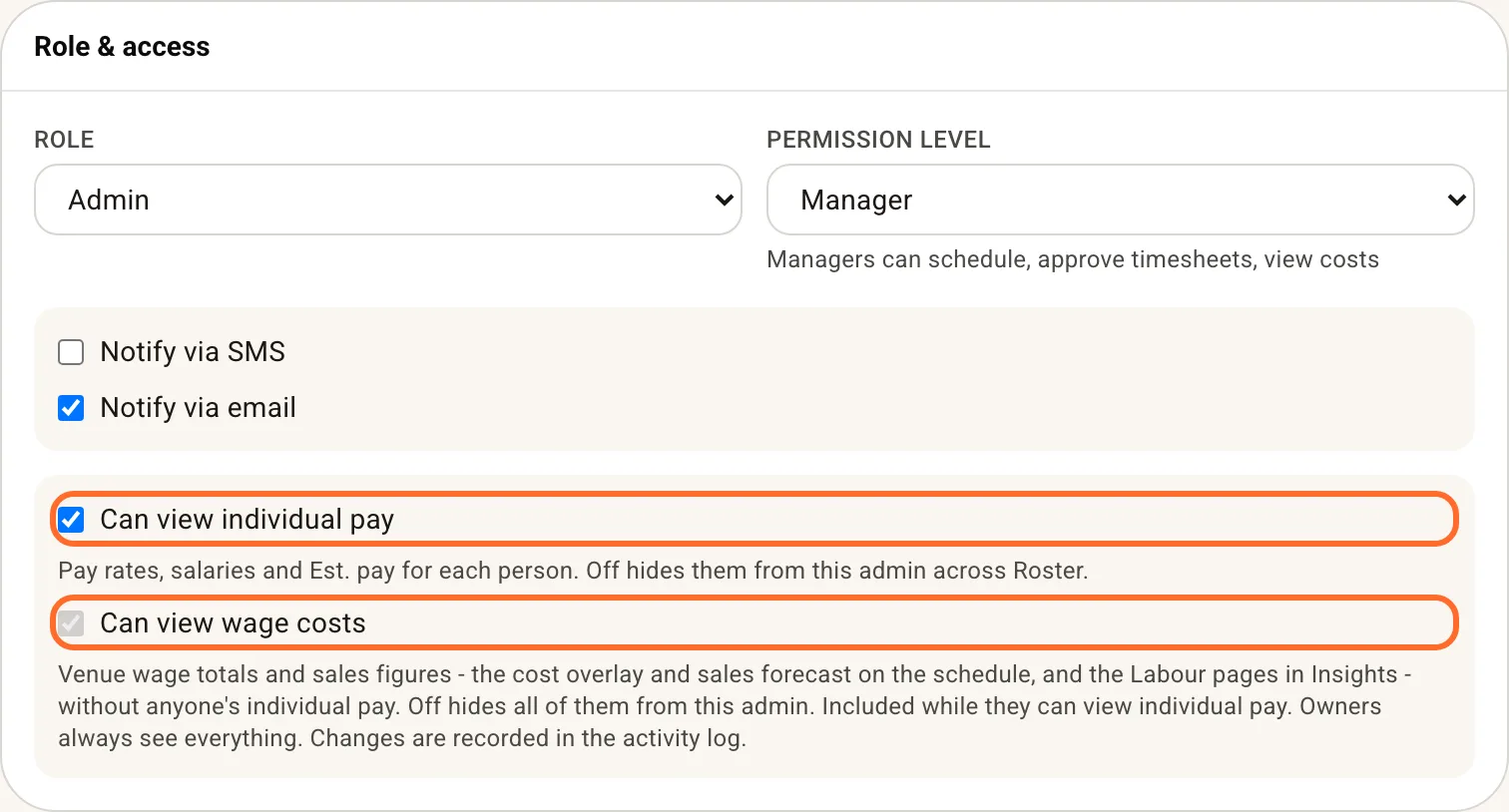
The middle setting - wage costs on, individual pay off - suits supervisors who budget the roster without seeing anyone's salary. Hidden things disappear rather than grey out; a restricted admin still rosters, approves timesheets and invites teammates (invites go out without a rate; the owner adds it later).
Toggle changes are recorded in the Activity Log, and the owner's Team list tags restricted admins "Costs only" or "Pay hidden".
Pay estimates for staff
Staff see no dollar figures in the staff app unless you turn on Show pay estimates to staff under Settings > Venue > Scheduling. On, each shift card and My timesheets row shows what it pays, from the person's hourly rate for that day: their weekday, Saturday or Sunday rate, or the award rate when they are classified. It leaves out overtime and evening loadings, which is why it is off by default. Admins always see Est. pay on Timesheets, payroll is unaffected, and an organisation sets it once for every venue.
Other switches on a profile
- Can set up and exit the kiosk (workers) - lets an opener arm the venue tablet, and exit it with their own kiosk PIN. See Kiosk mode.
- Notify via SMS / Notify via email - which channels this person's shift notifications use.
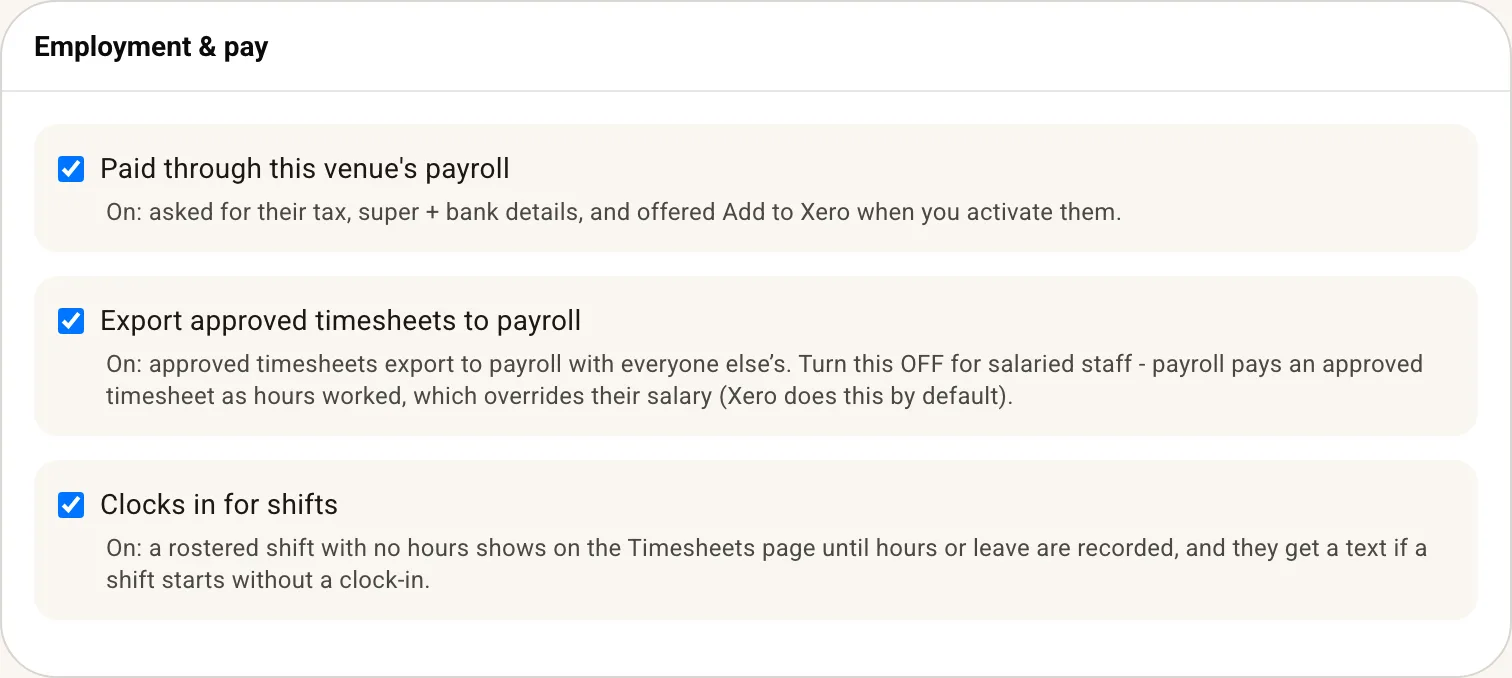
- Paid through this venue's payroll, Export approved timesheets to payroll and Clocks in for shifts are payroll settings rather than permissions: see Complete a pay run with Xero.